tengli
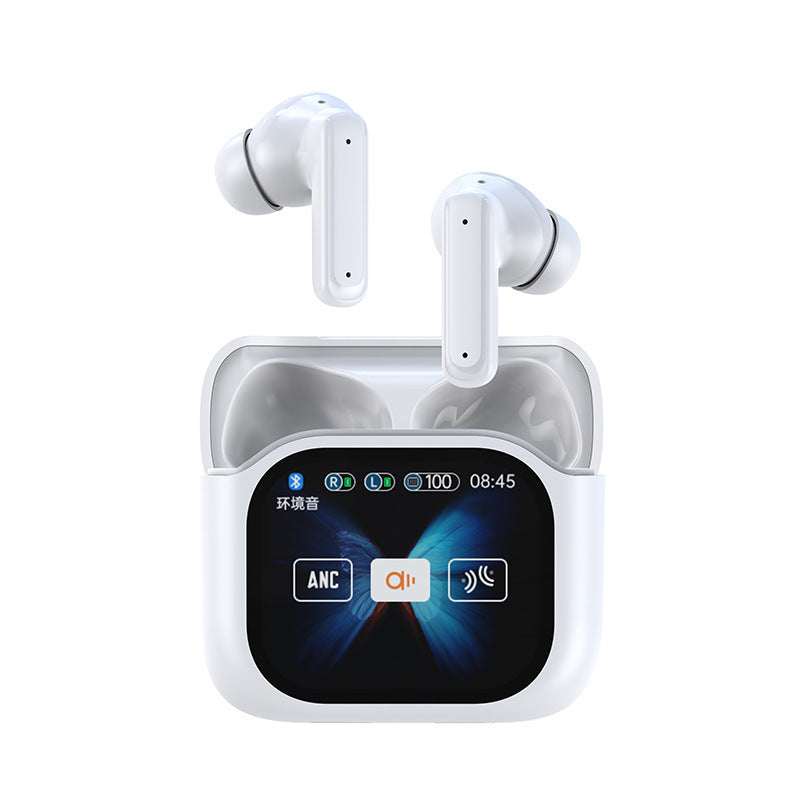
Real Time AI Translator Headphones with Touch Screen 144 Languages Translation Bluetooth 5.4 Earbuds Noise Cancelling Headset
Real Time AI Translator Headphones with Touch Screen 144 Languages Translation Bluetooth 5.4 Earbuds Noise Cancelling Headset
Couldn't load pickup availability
AI Translation Earphone Touch Screen Translator Headphones 144 Languages Wireless Bluetooth 5.4 Earbuds Noise Cancelling Business Headset
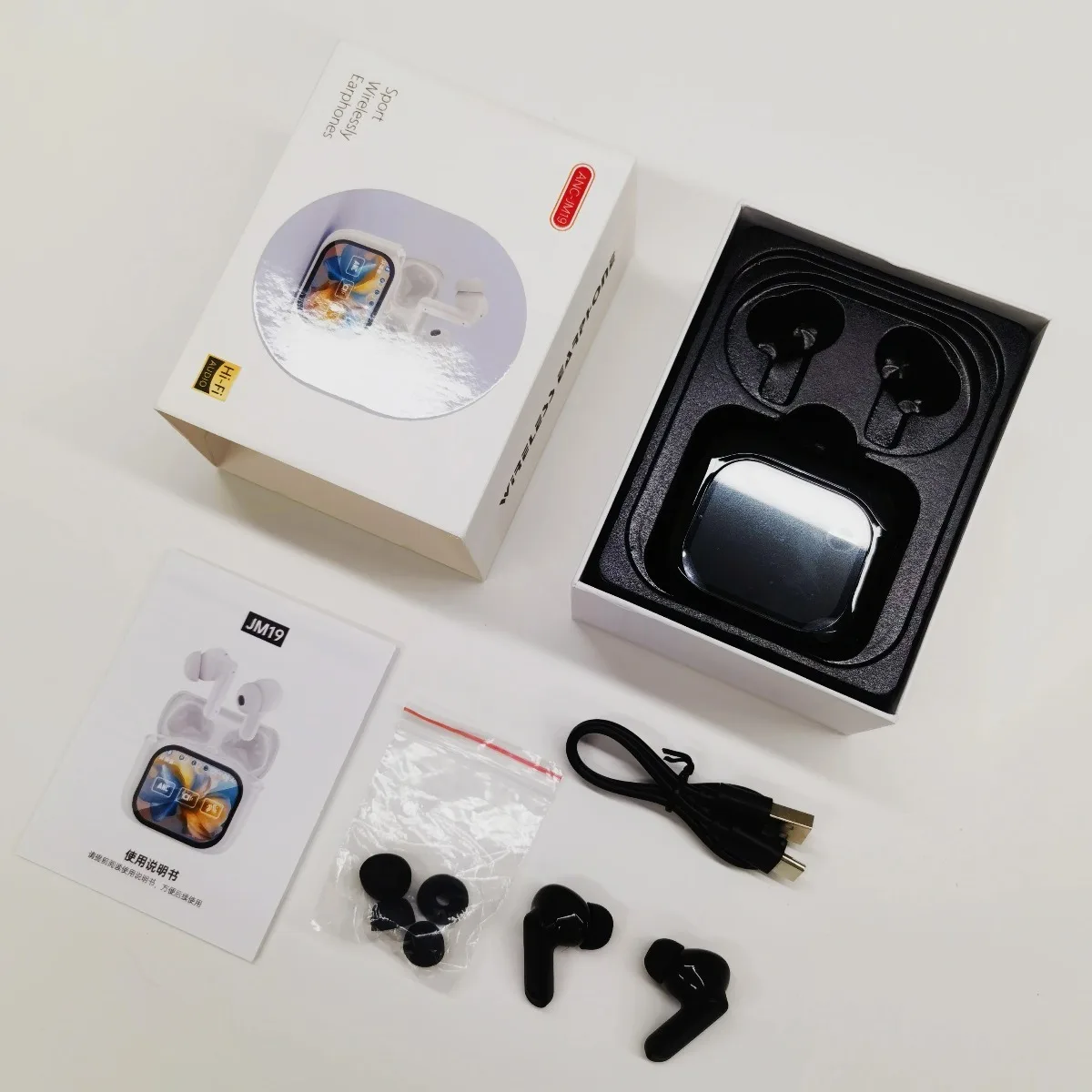
Product parameters:
Product model: JM19
Material: Plastic + Metal
Transmission range: ≥10 meters
Bluetooth protocol: 5.4
Horn diameter: 10mm
Operating voltage: 3.7V
Charging port: Type-C
Color: black, beige
Headphone battery capacity: 40mAh
Charging chamber battery capacity: 300mAh
Packing list:
2x Bluetooth headset
1x charging case
1x Instruction Manual

Product selling points:
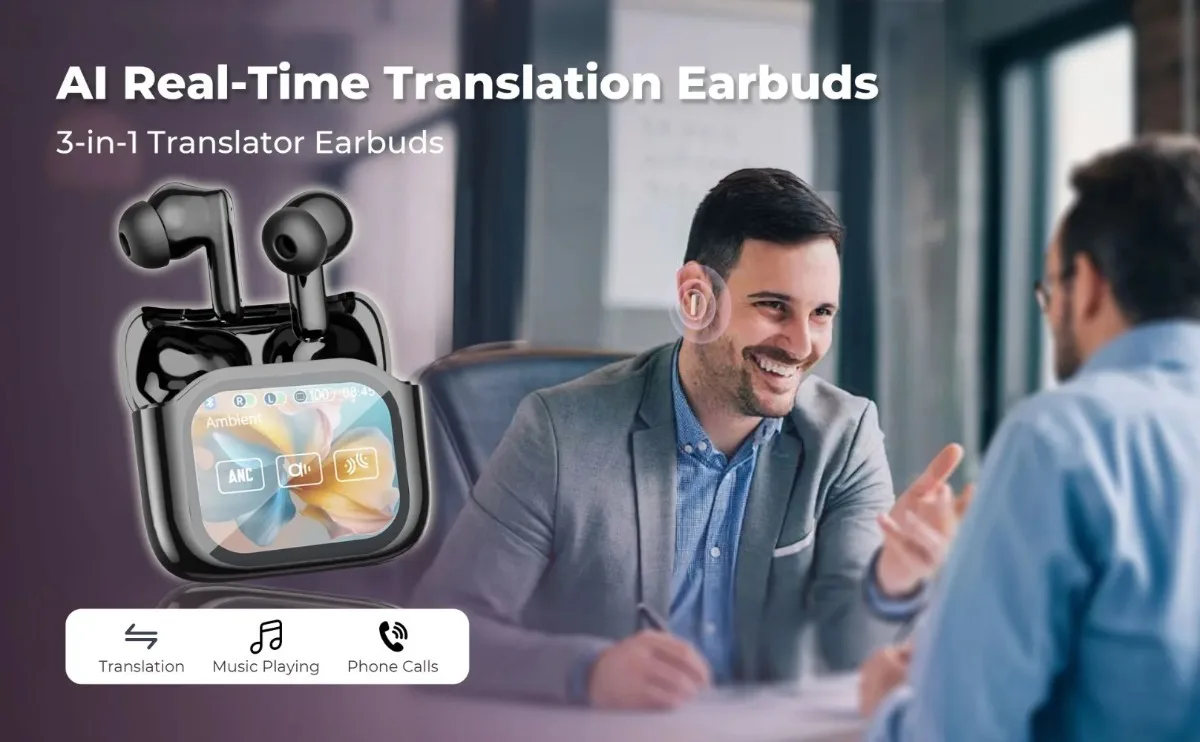
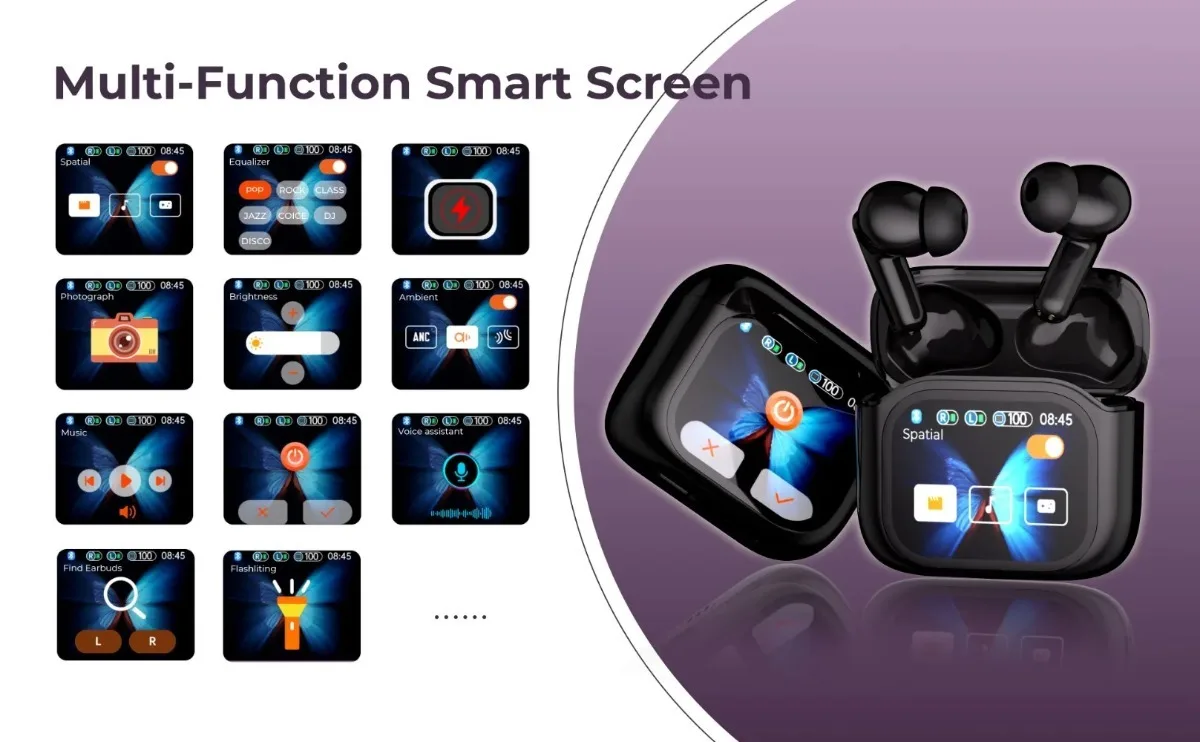
Interactive Screen:Experience seamless control with a touch screen interface for easy management of music playback, noise cancellation, and settings adjustments.
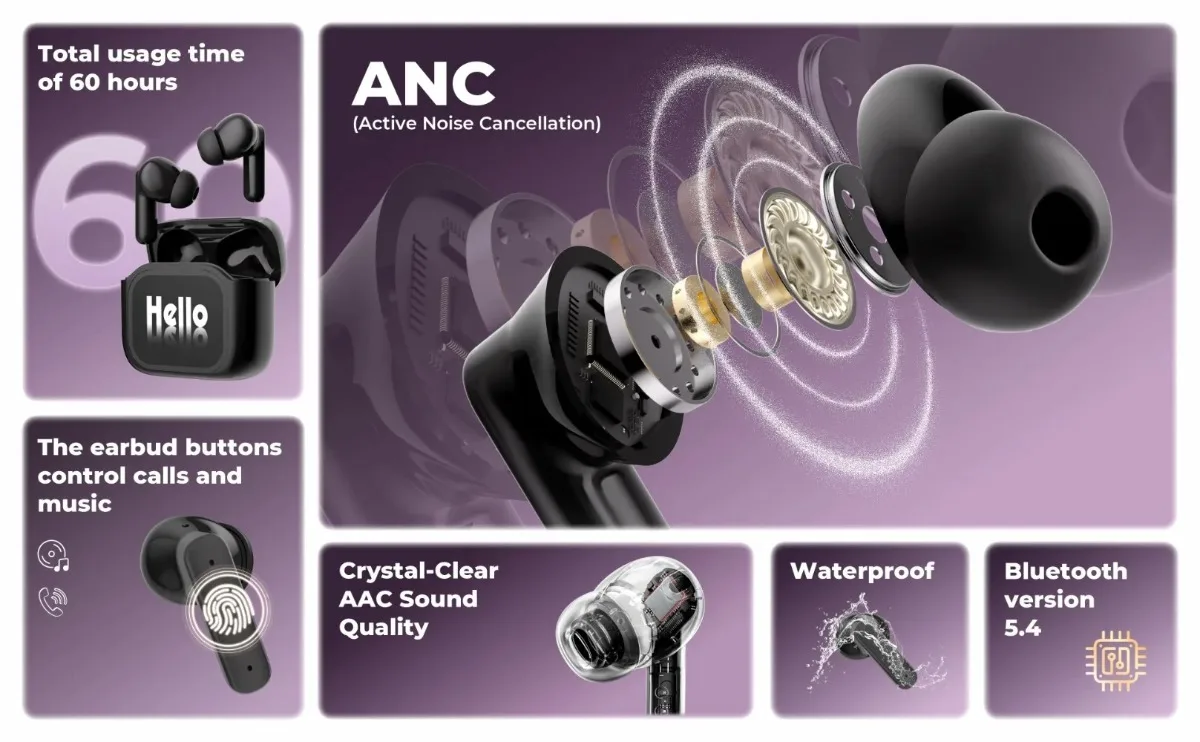
Battery Performance:Enjoy up to 6 hours of continuous music playback, with fast charging capabilities that provide a full charge in just 20 minutes for extended use.
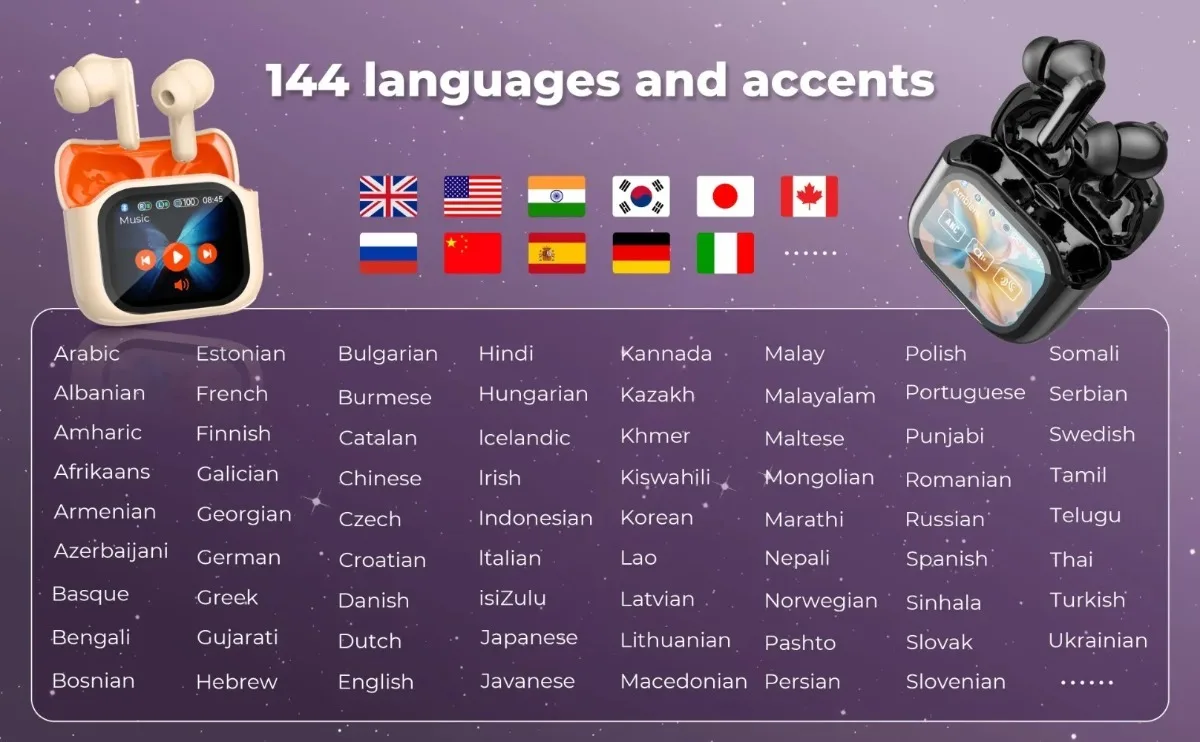
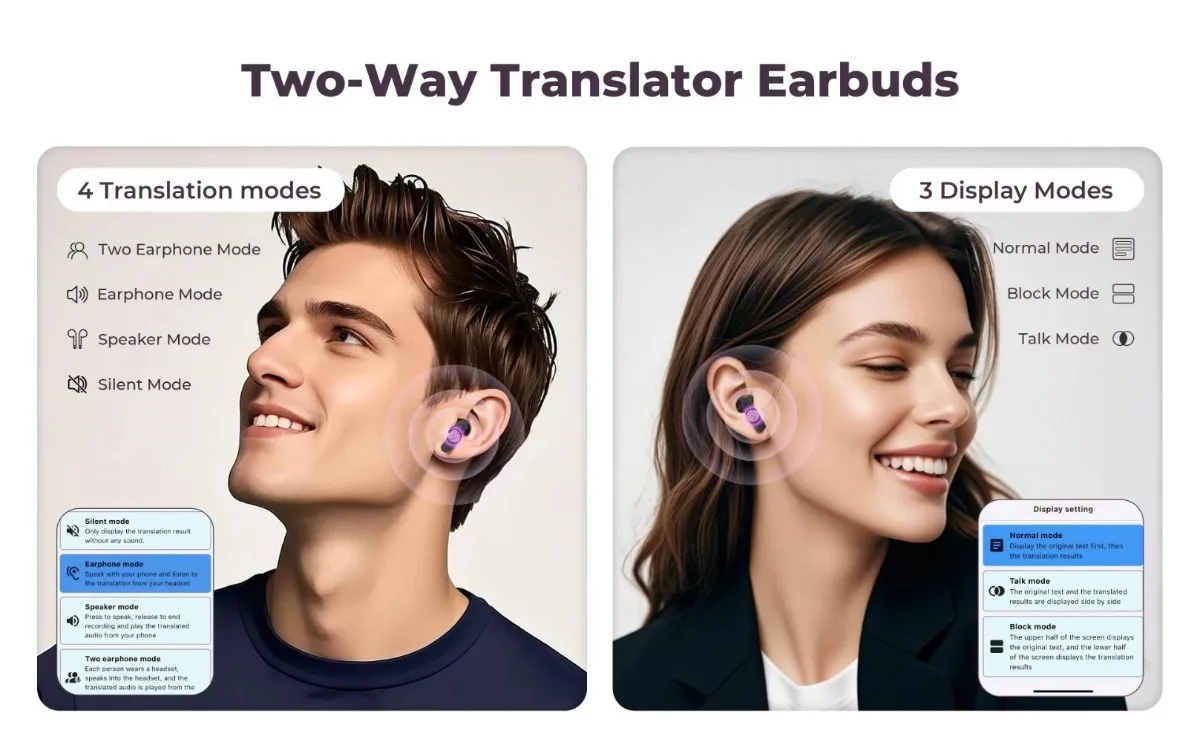
Real-time Translation:Connect globally with optional AI-powered translation supporting 144 languages (available as an optional AI-enabled feature).
Customizable Audio Experience:Choose from 7 customizable EQ styles and enjoy advanced noise cancellation for an immersive audio experience tailored to your preferences.
Durable & Waterproof Design:Constructed with a durable, splash-resistant design, this product is ideal for daily use and outdoor activities, ensuring reliability in various environments.
Brand profile
Founded in October 2024, Suzhou Hongluoxi Technology Co., Ltd. is a high-tech enterprise that has long been committed to the field of digital products, integrating R&D, production, sales and services. The company takes market demand as a starting point, seeks innovation, promotes development, and realizes customer needs with a sense of sincere cooperation and a service concept that improves the quality of life of the public. These products are popular in the digital audio-visual market for their advanced technology, first-class quality, sophisticated and stylish appearance, and thoughtful after-sales service.
FAQ
1. What should I do if I can't turn on my headset?
After receiving the headset, charge it first and then it can usually turn it on normally.
2. What if I can't charge my headset?
Sometimes, due to low temperatures and other conditions, the headset's battery may be in a state of waiting to be activated. Usually, after 1 hour of continuous charging, the charging state will return to normal.
3. What should I do if the sound cannot be output?
Usually, this is a format problem when playing music. Please adjust the music format to mp3.
4. What should I do if I can't connect or pair with Bluetooth?
Please disconnect other Bluetooth devices on your phone first and search for the connected device.
5. What should I do if there is no sound after Bluetooth connection?
Please check whether the headphone volume and phone volume have been adjusted to the lowest level. If the volume is not problematic, check if the music is played on the phone.
6. What should I do if I can’t adjust the volume?
Please check whether the headphone volume has reached its maximum value. If both the phone and speakers reach maximum volume, adjustments cannot be made.
7. What should I do if my headset cannot be translated?
●Please check whether the purchased options are marked with Ai translation function.
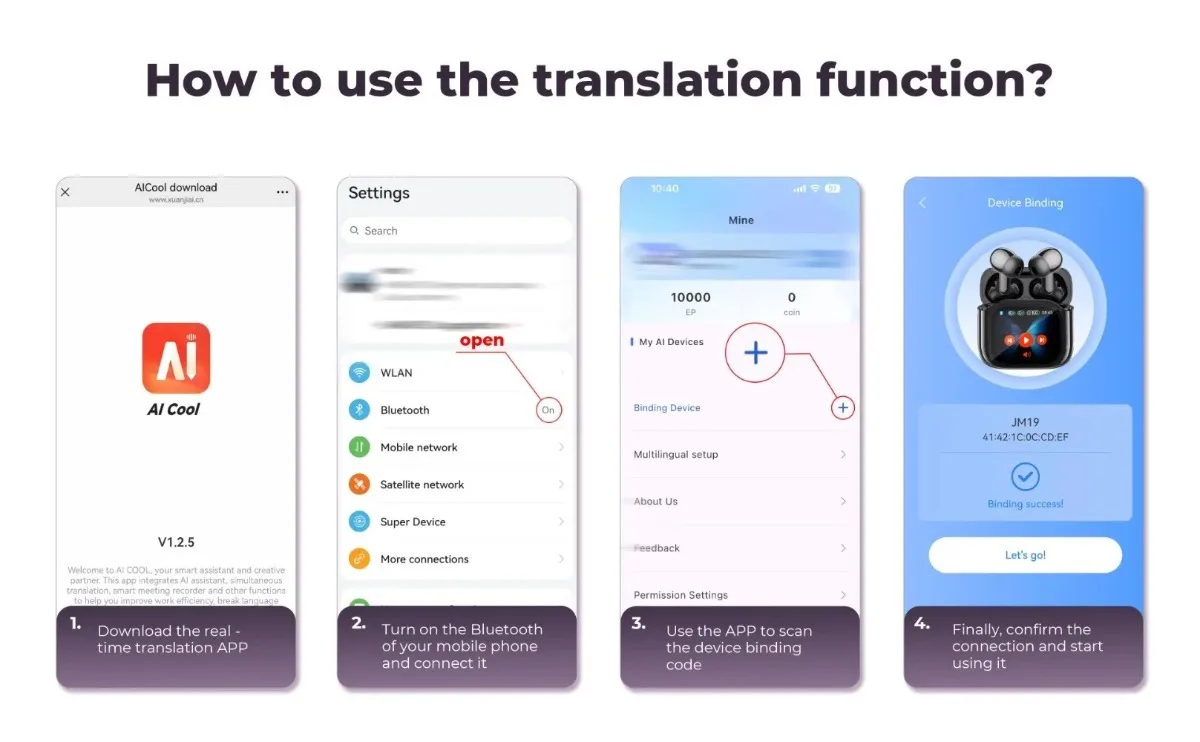
●Yes, the packaging list contains user manuals and device binding codes for AI translation. Follow the manual instructions, download the application and scan the bound device.
●Check whether the application has network permissions set.
●During the translation process, the application needs to be kept open.